Loved by creators who keep it local
Real App Store reviews from people generating on their own iPhone.
App Store review
Best stable diffusion app
Timotronski
App Store review
Works great on my iPhone 16 and generates images locally. Nice to not have to rely on a cloud.
Ogoog
App Store review
Cool app to generate some quick art on the go, plenty of styles to choose from.
Ari_Rem
App Store review
Top Offline gen - I’m really loving all the available models and the phone first generation.
Tantadruj
App Store review
Private AI image generation that actually works
jevsevar
01
Step one
How it works
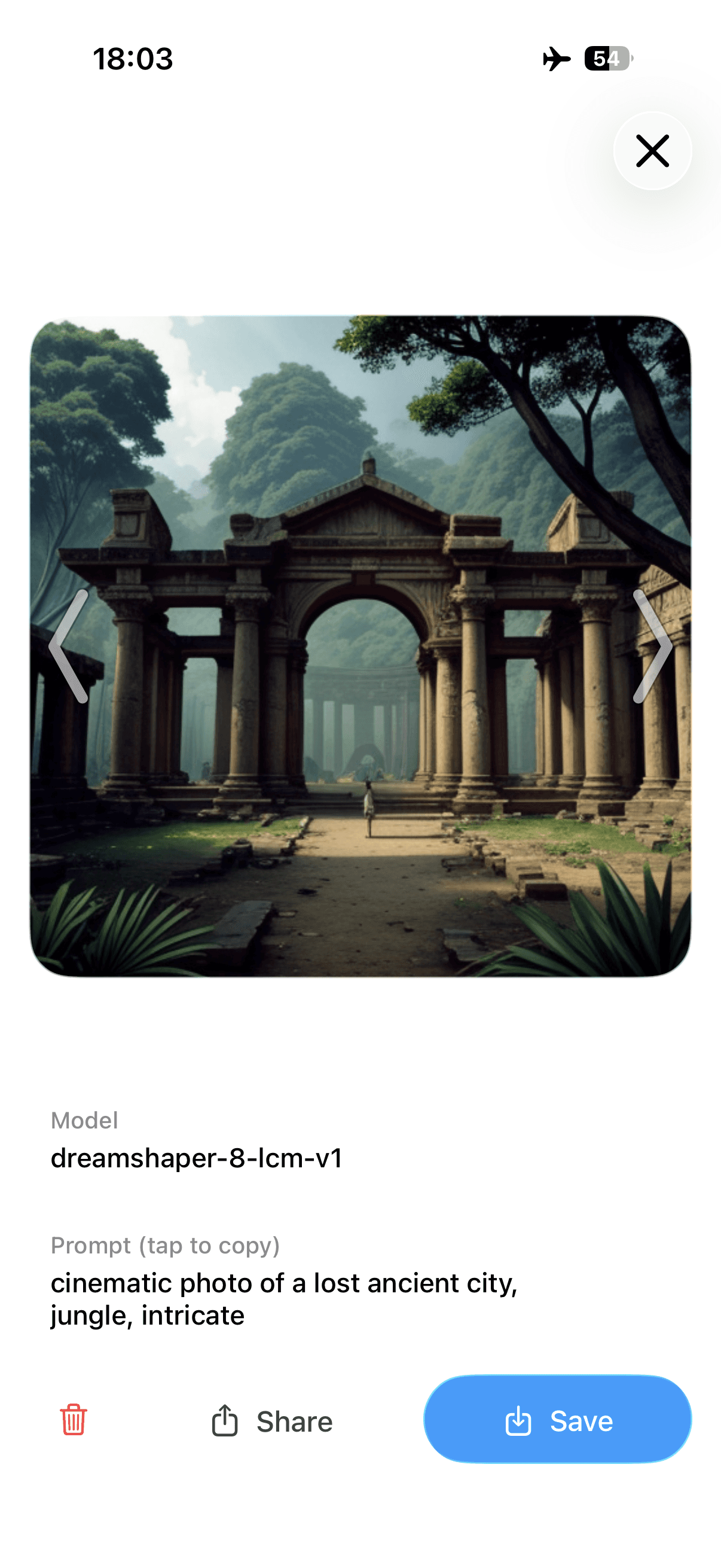
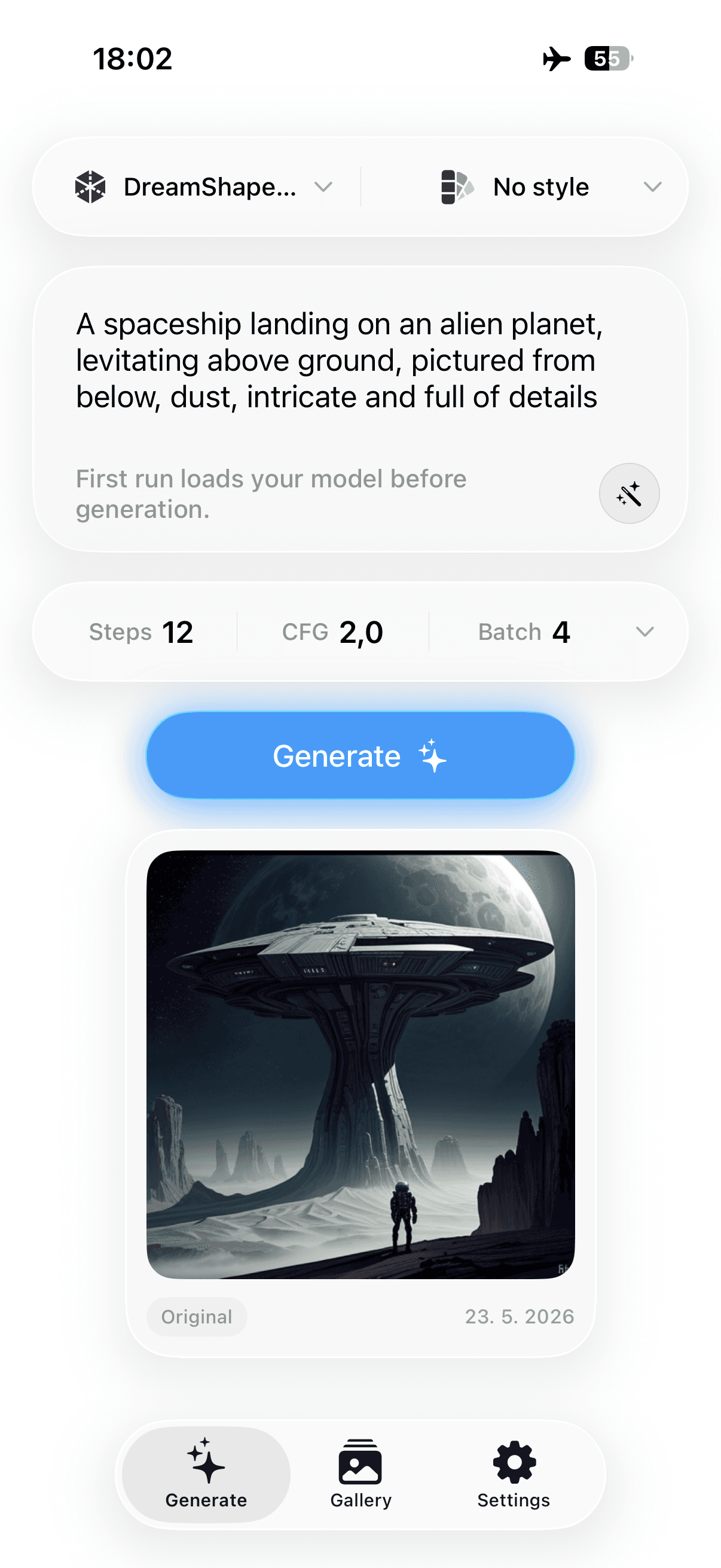
Choose a workflow and a recommended model, describe what you want, then keep refining locally. PhoneDiffusion saves your work in a private on-device gallery so a strong result can become the start of the next one.
Choose a workflow and model
Create with as much control as you want
Refine, reuse, and save
02
Step two
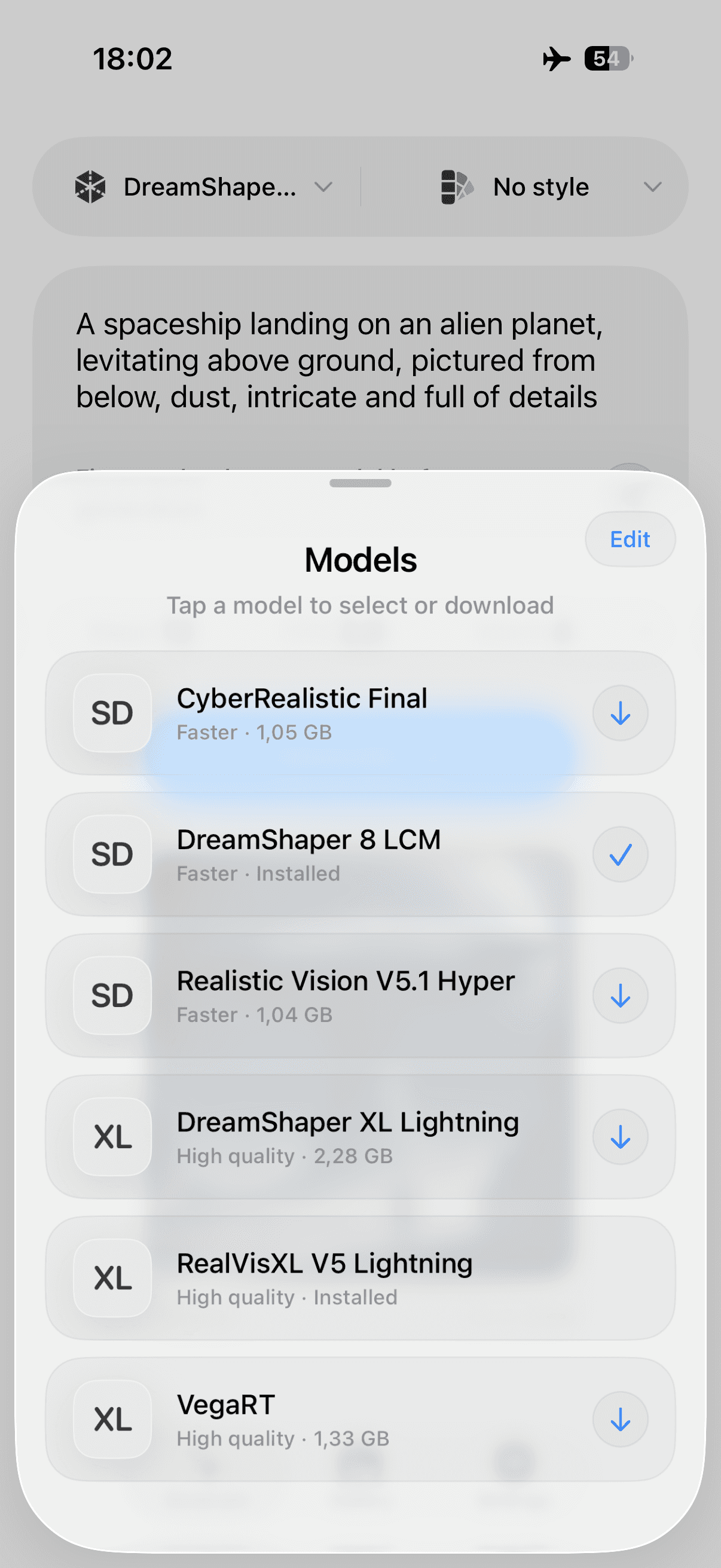
Curated and optimized models
PhoneDiffusion picks the right launch model for your device, from fast SD 1.5 packs to higher-quality SDXL workflows on supported iPhones.
SD 1.5 and SDXL class of models
Curated for speed, quality, and reliability
Recommended first-run download
03
Step three
Private, offline workflow
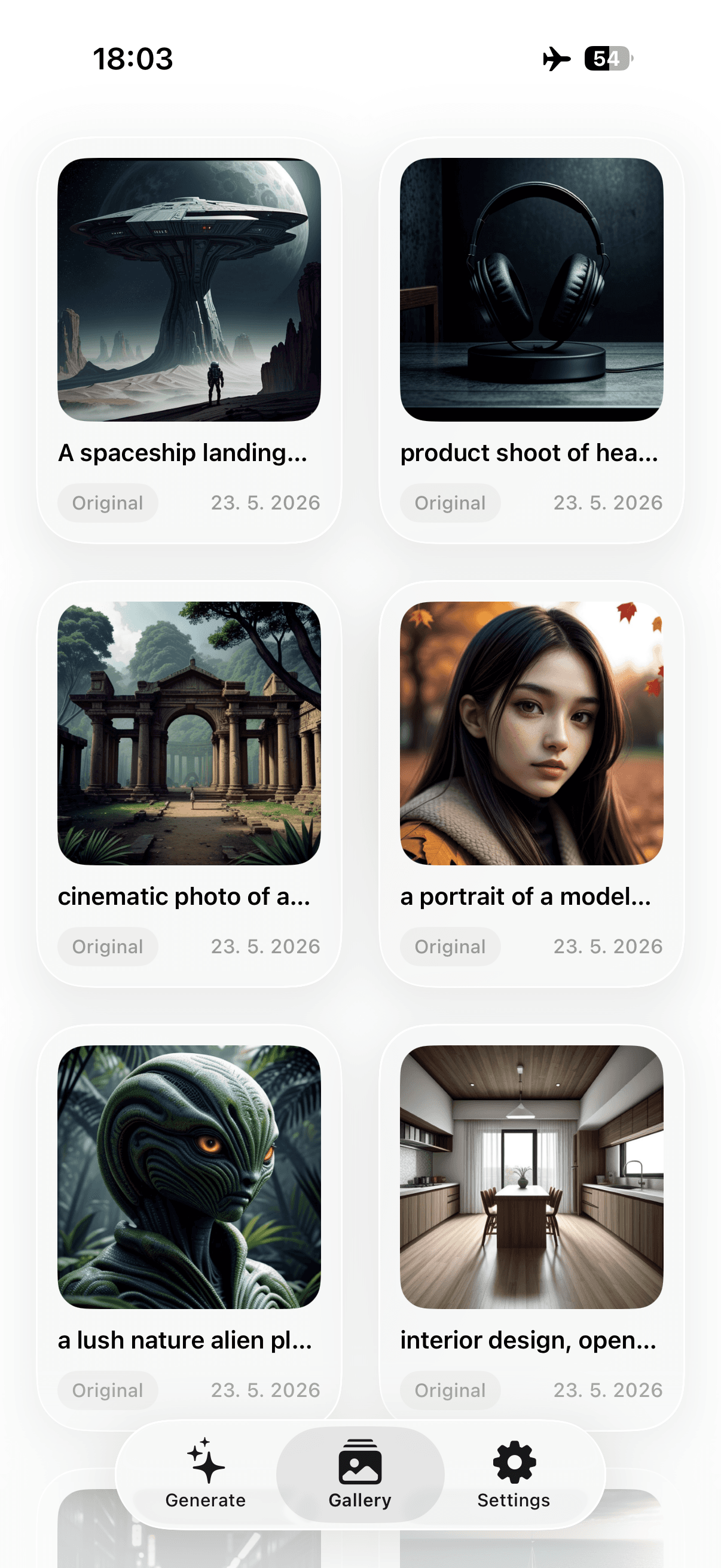
Your prompts, generated images, and history stay on your iPhone. Create with no internet access, save to Photos when you choose, and skip accounts, queues, and credit systems.
Local generation history
No prompt uploads
No account required
No internet needed after setup

Why PhoneDiffusion
Pro control. Local generation. Built for iPhone.
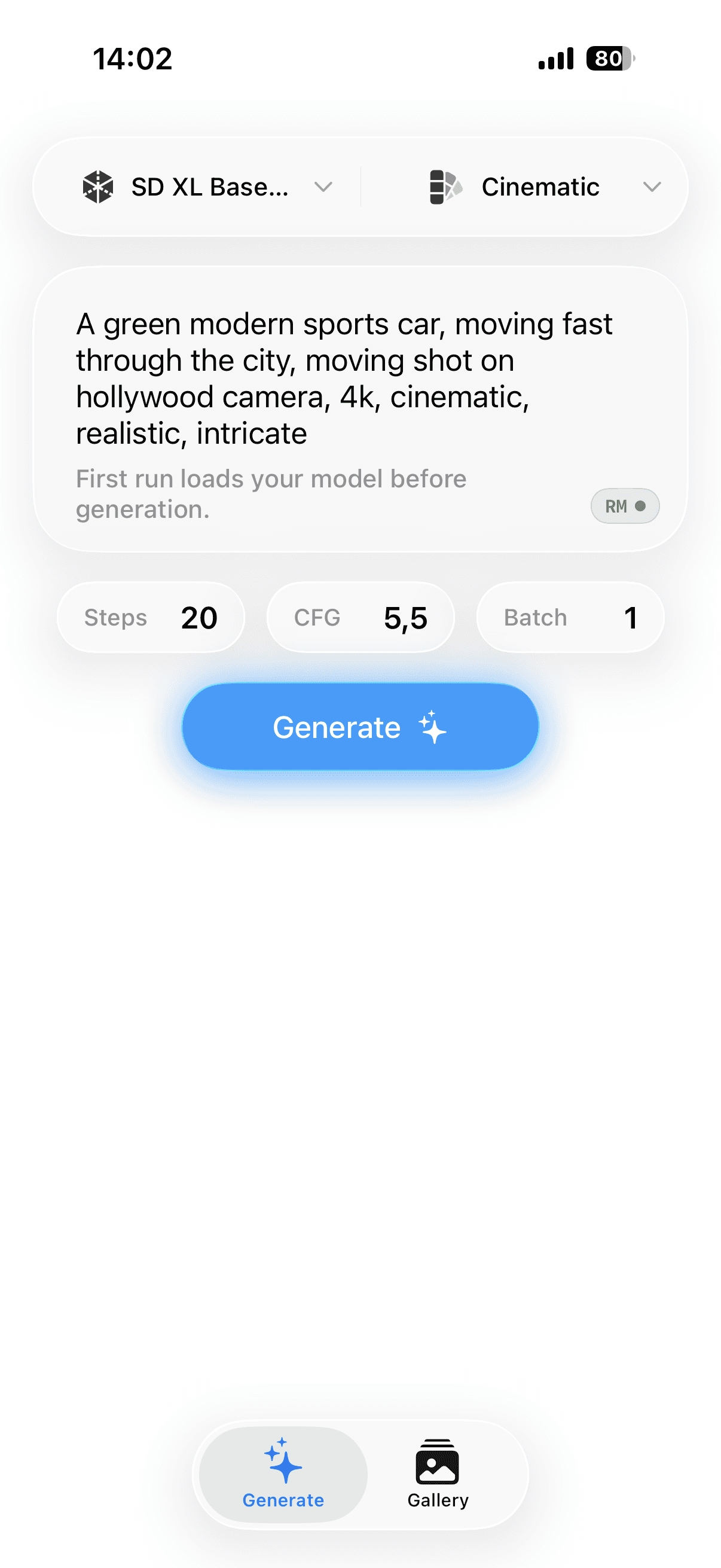
PhoneDiffusion turns your iPhone into a private Stable Diffusion workspace with on-device generation, offline workflows, and advanced controls for creators who want more than a one-click cloud image app.
FAQ
Still have a question?
Is PhoneDiffusion a local AI image generator for iPhone?
Yes. PhoneDiffusion runs Stable Diffusion model packs locally on iPhone using on-device processing.
Does PhoneDiffusion work offline?
After the app and model pack are downloaded, image generation runs locally and can work without internet access.
Are my prompts or images uploaded?
No. PhoneDiffusion is built around private, on-device generation. Your prompts and generated images stay on your iPhone.
Is it free and unlimited?
PhoneDiffusion is designed around local generation instead of per-image credits. Free and Pro features may vary, but generation is not a cloud credit system.
Does it support Stable Diffusion and SDXL?
Yes. PhoneDiffusion supports curated Stable Diffusion models, including SD 1.5 and SDXL on supported devices. More optimized model packs will be added over time.
Do I need to grant Photos access?
Only if you explicitly save an image. PhoneDiffusion requests add-only Photos permission at save time, not at launch.
Guides
Learn local Stable Diffusion on iPhone
Model picks, prompt tips, and device requirements — written for people generating on their own hardware.
View all articles



Free · No account · Works offline